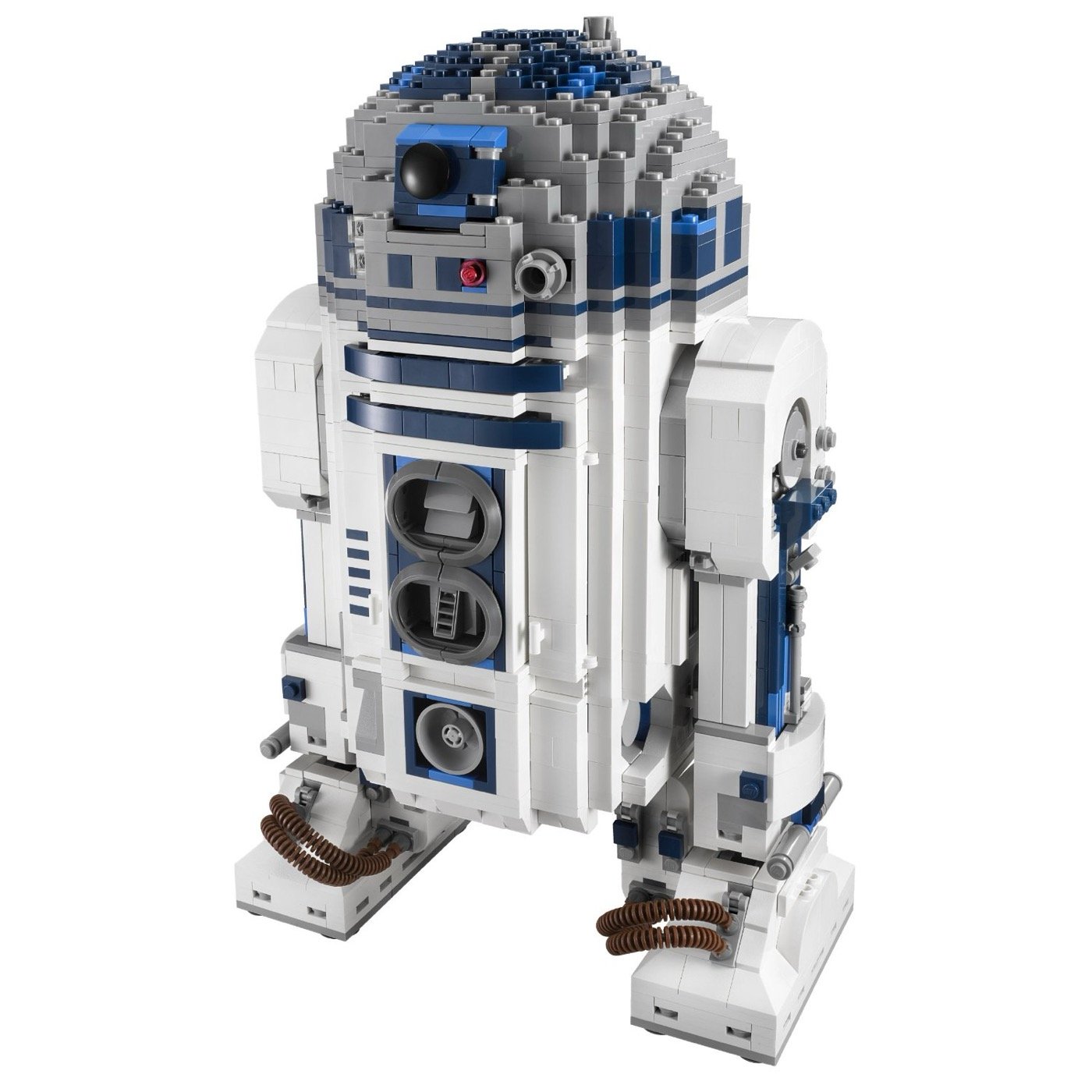
A screencast demonstrating the full pipeline for 3D scanning physical objects and dropping them into Minecraft — starting with a LEGO R2D2.
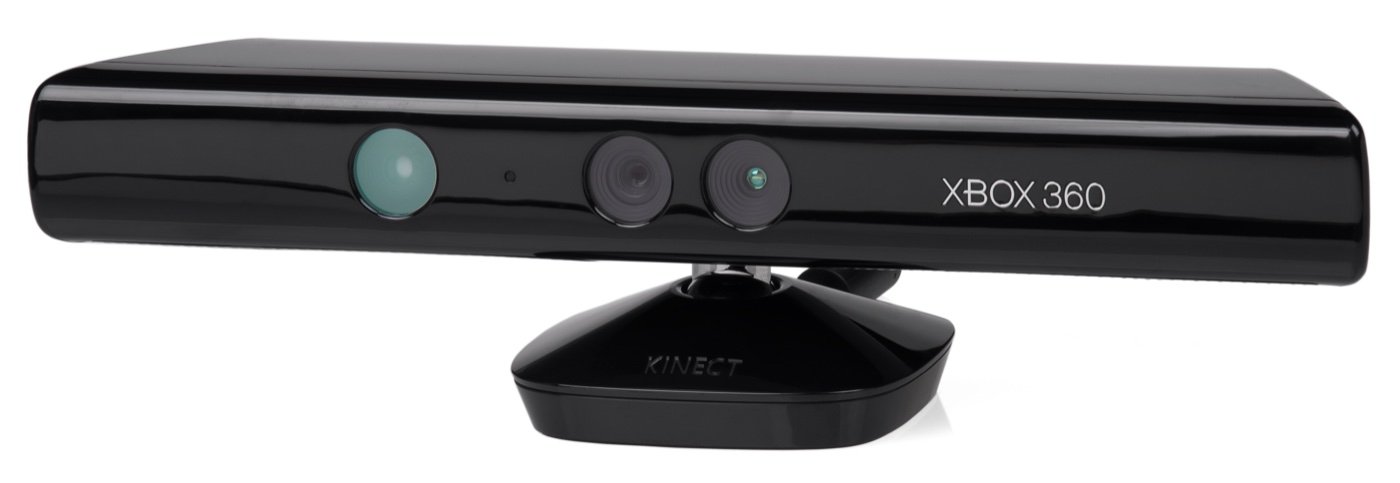
The cheapest way into 3D scanning right now is an Xbox 360 Kinect. You can pick one up for around £35 at Computer Exchange — it’s a depth sensor that was designed for gaming but works surprisingly well as a low-cost 3D scanner when paired with the right software.
The Pipeline
Step 1: Scan with Skanect
Skanect takes the Kinect’s depth data and reconstructs it into a 3D mesh. You slowly move the sensor around the object (or rotate the object on a turntable) and it builds up the model in real time.
Step 2: Convert to voxels with binvox
Minecraft is a voxel world, so the mesh needs converting to voxels. binvox (from Princeton) handles this — it takes the exported mesh and outputs a grid of filled cubes that represent the shape.
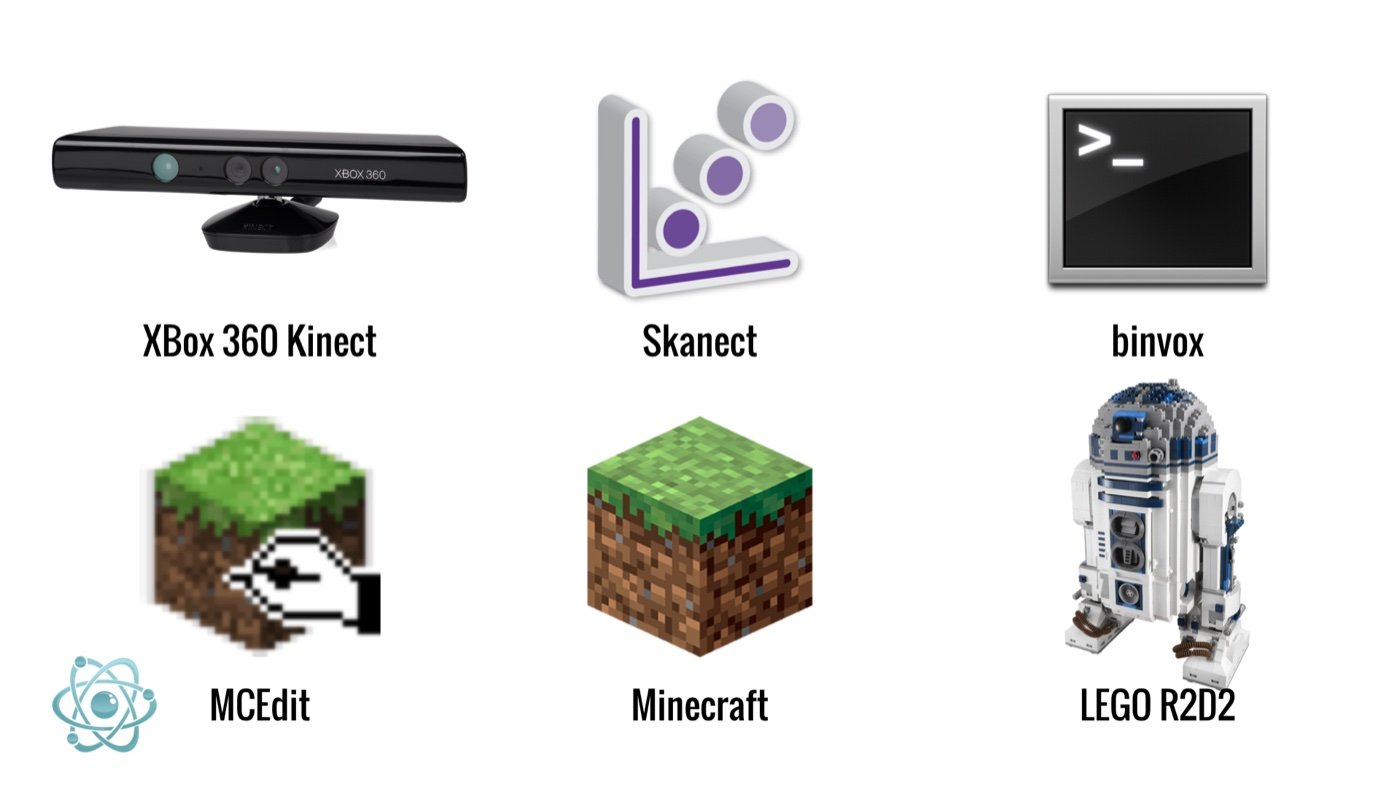
Step 3: Place into the world with MCEdit
MCEdit lets you import the voxel model directly into a Minecraft world and position it wherever you like.
Beyond Minecraft
I’ve also been using the same scanning method to capture my kids’ heads and 3D print them on an Ultimaker. The results are somewhere between charming and unsettling, which is exactly where the best maker projects tend to live.