Systematizing AI Art: From Model Capabilities to Production Workflows
2026 SHEET 235/333
How analyzing existing skill workflows and Nano Banana Pro capabilities produced 360 lines of documentation that enabled generating 40+ production-quality illustrations in a week.

The art skill worked fine until I needed it to work for someone who wasn’t me.
It had 16 specialized workflows, a capable model behind it, and a track record of generating usable output. But the knowledge of which workflow to use, how to prompt each one, which aesthetic matched which product — all of that lived in my head. This week I moved it out of my head and into documentation. Forty-plus illustrations across 11 satirical products, zero failures.
The skill worked — if you already knew how to use it
Before systematization, the art skill — which I’d adapted from Daniel Miessler’s Personal AI Infrastructure — had grown organically. It worked — when I knew which workflow to use and how to prompt it. But that knowledge lived in my head, not the documentation. Nano Banana Pro (Gemini 3 Pro Image) had powerful capabilities sitting unused: iterative refinement, style transfer, action verb vocabulary. The model documentation didn’t explain how to use these features effectively.
The breaking point came when generating illustrations for DeRP (Definitely Real Products Inc.) — satirical products that each need distinct aesthetics matching their satire targets. CARPETS should look like an infomercial, not a tech product. Hay Eye Companions should mimic corporate B2B, not fine dining. Without systematic guidance, I’d have to rediscover the right prompting approach for each product.
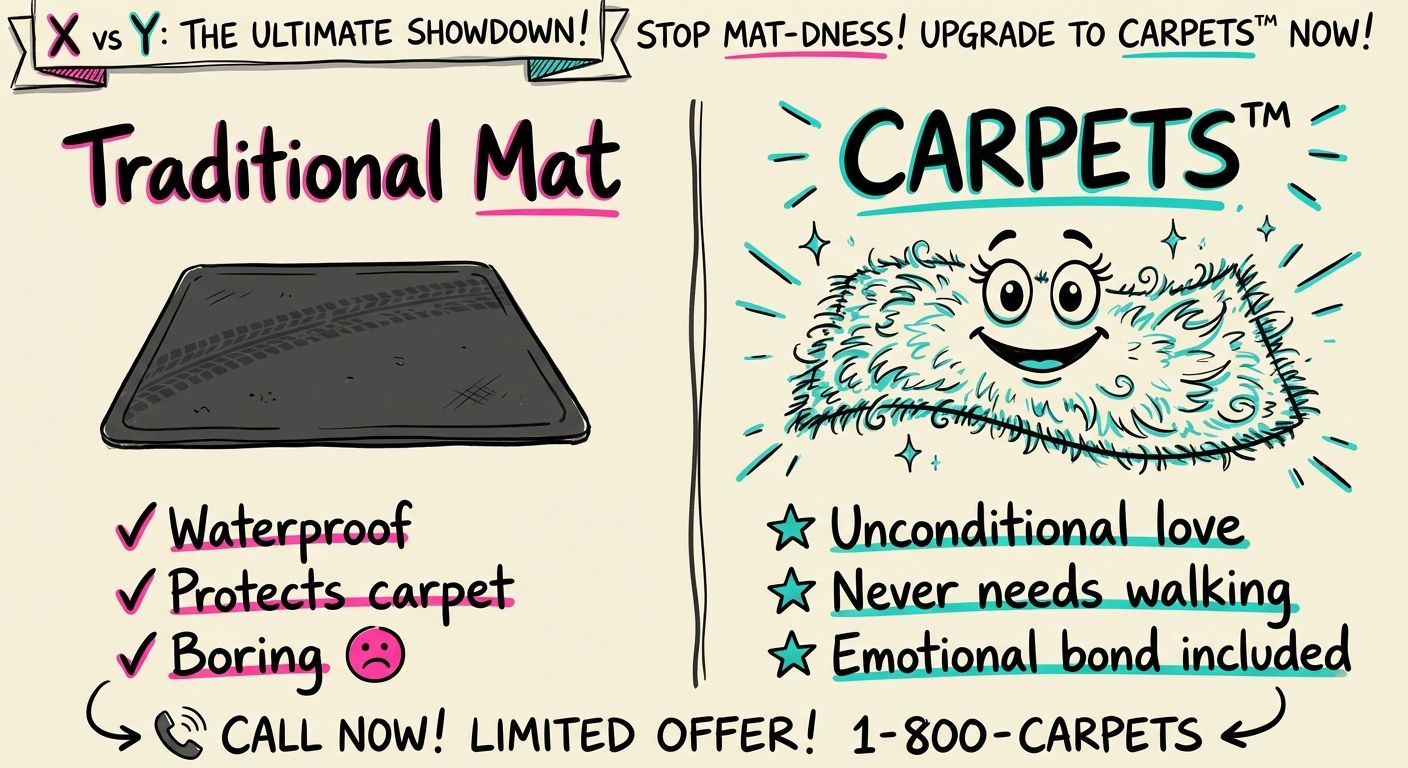 CARPETS product comparison using infomercial aesthetic: bold colors, dramatic layouts
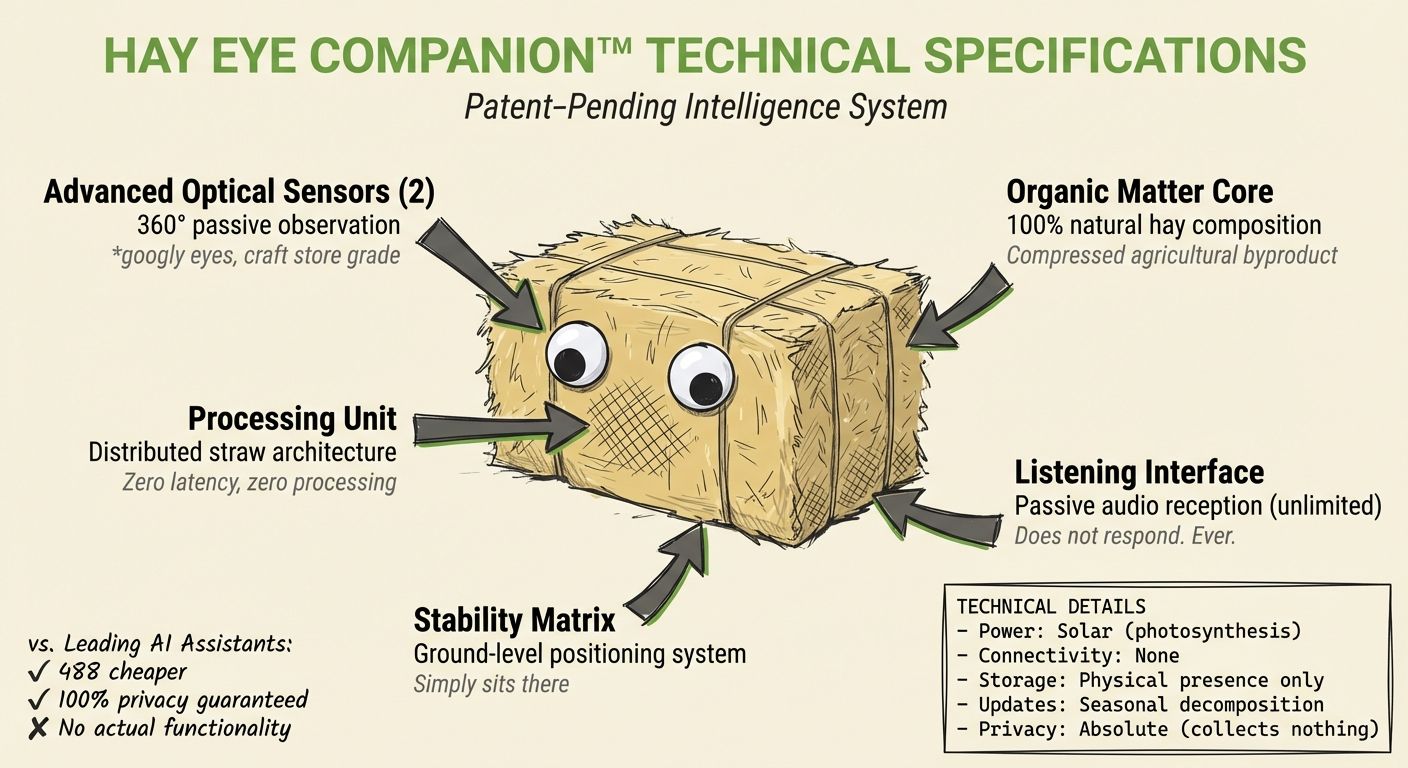 Hay Eye Companions using corporate tech aesthetic: minimalist grids, clean typography
What was already there
Sixteen workflows, none of them documented
The art skill already had 16 specialized workflow types, each solving a specific visualization problem:
- Technical diagrams emphasize label hierarchy and engineering notebook aesthetics
- Comparisons use side-by-side layouts with clear differentiators
- Timelines focus on chronological progression and milestone markers
- Stats highlight big numbers with contextual visualizations
- Comics require panel flow and sequential storytelling
- Sketchnotes balance negative space with information density
Each workflow had different prompt requirements. Technical diagrams needed grid layouts and annotation clarity. Comics needed character consistency across panels. Stats needed typography that made numbers the focal point.
The pattern: workflow specialization beats generic prompts. Rather than one “make image” command, the skill needed 16 tailored approaches.
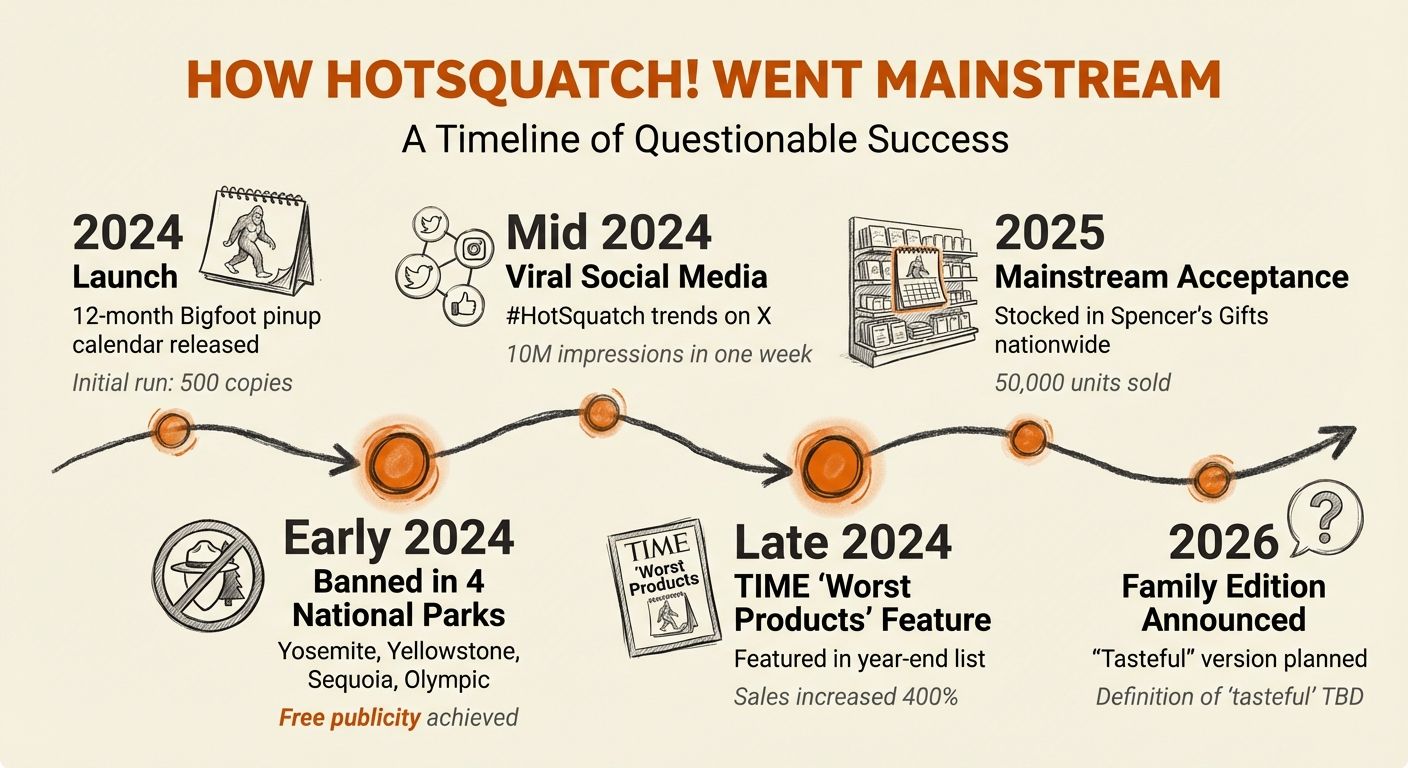 Timeline workflow example: HotSquatch sightings showing chronological progression and milestone markers
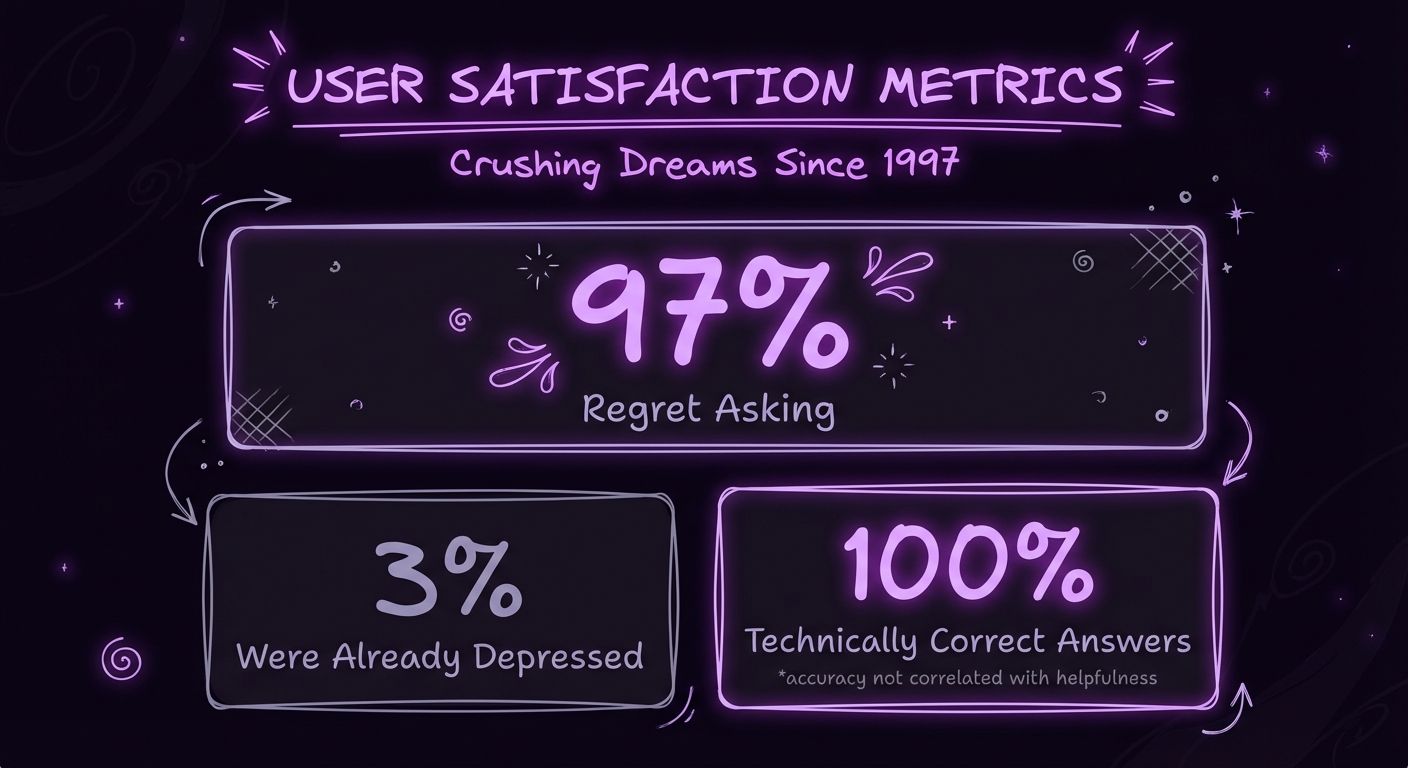 Stats workflow example: highlighting big numbers with contextual visualizations and dramatic presentation
The model could do more than I was asking
Reading through the Mammoth Club’s Nano Banana Pro guide properly — not just the quick-start section — revealed capabilities I wasn’t using:
Core Formula:
[Action] the [Subject] by [Specific Change]. The goal is [Desired Outcome].Action Verb Vocabulary (10 verbs):
- Recolor — Changing color schemes, palettes
- Retouch — Subtle refinements, cleanup
- Style — Applying artistic treatment
- Adjust — Lighting, composition, positioning
- Enhance — Improving quality, details
- Transform — Major changes, conversions
- Add — Inserting new elements
- Remove — Deleting unwanted objects
- Replace — Swapping one element for another
- Blend — Combining multiple images
Multi-turn editing — The model remembers previous commands for iterative refinement:
First: "Create comparison chart showing CARPETS pet breeds"
Then: "Make the Persian cat section more luxurious"
Then: "Adjust the Labrador section to emphasize durability"
Style transfer — Extract visual characteristics from reference images using --reference-image parameter. You can show the model an infomercial screenshot and say “match this aesthetic.”
World knowledge — The model uses Gemini’s broader context for semantic understanding. Asking for “corporate tech product aesthetic” produces the expected visual language without spelling out every detail.
Turning head knowledge into documentation
Creating the nano-banana-guide.md (11.4KB)
I extracted successful prompting patterns from actual generations and documented them:
- Core prompt formula with examples for each operation type
- Action verb vocabulary table showing when to use each verb
- Mood/atmosphere vocabulary mapped to visual outputs
- Aspect ratio selection guide (when to use 16:9 vs 1:1 vs 9:16)
- Iterative refinement workflow patterns (first pass → refinement → polish)
Example from the guide:
### Creating a Visual Style or Mood

[Action] the image of [Subject] to have a [Visual Style].
The mood should be [Desired Mood].

Examples:
- Retouch the image of the skincare bottle to have a soft, ethereal glow.
  The mood should be tranquil and clean.
- Recolor the image of the fashion item to have a cinematic feel with deep
  shadows and rich tones. The mood should be nostalgic and artistic.
That’s it. A formula and a vocabulary table. Enough to hand to Cerebro and get consistent output.
DERP-PRODUCT-STANDARD.md (360 lines)
For DeRP products specifically, I created a full blueprint:
Workflow Selection Guide:
| Content Type | Workflow | Example |
|---|---|---|
| Feature comparison | comparisons.md | CARPETS breed chart |
| Technical specs | technical-diagrams.md | Mosquito Teleporter schematic |
| Usage instructions | recipe-cards.md | Pillow Fridge setup guide |
| Historical context | timelines.md | HotSquatch sightings timeline |
| Success metrics | stats.md | Tragic 8 Ball accuracy rate |
| Origin story | comics.md | Stranger’s Things acquisition comic |
Aesthetic-to-Satire-Target Matching Table:
| Product | Satire Target | Aesthetic |
|---|---|---|
| CARPETS | Infomercials | Bold comparison charts, dramatic before/after |
| Hay Eye Companions | Corporate tech products | Minimalist grids, sans-serif typography |
| Soup of the Night | Fine dining | Elegant serif fonts, muted colors |
| Pillow Fridge | 1950s appliances | Vintage catalog styling, retro diagrams |
| HotSquatch | VHS documentaries | Grainy texture, conspiracy aesthetics |
| Tragic 8 Ball | Existential philosophy | Purple void, dramatic lighting |
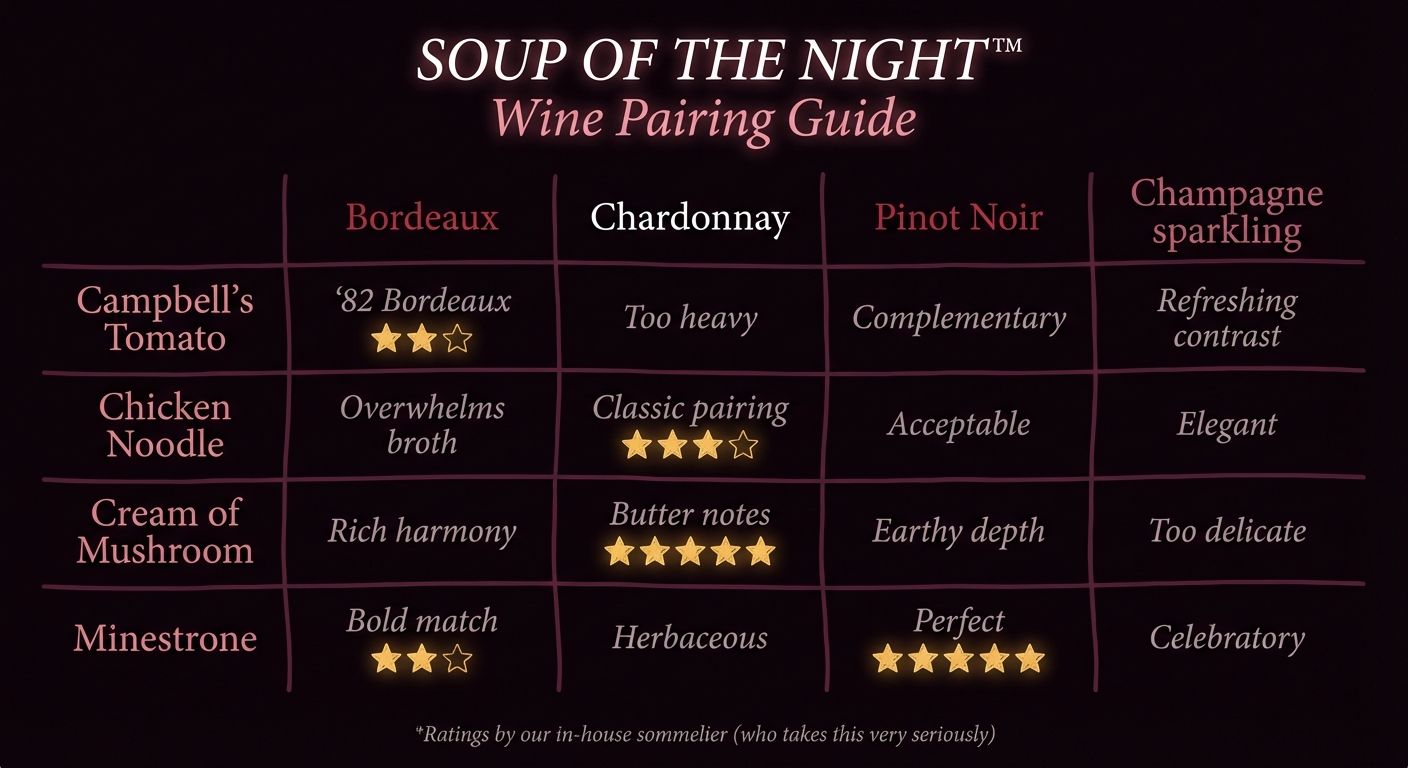 Soup of the Night using fine dining aesthetic: elegant typography, muted sophisticated colors
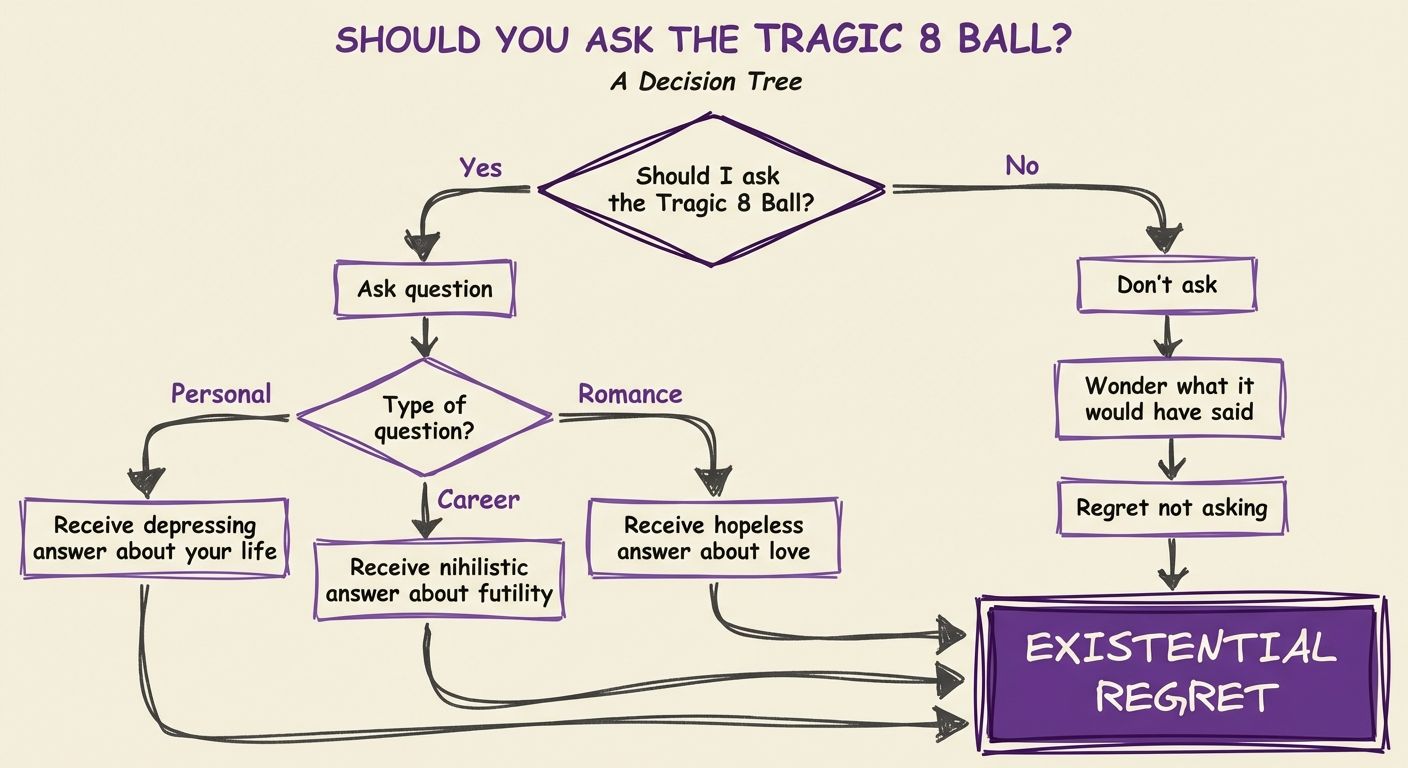 Tragic 8 Ball using existential philosophy aesthetic: purple void, dramatic lighting, philosophical flow
Pre-Launch Checklist:
- 2-3 illustrations minimum (chosen from workflow types above)
- Each illustration has custom CSS matching product aesthetic
- Hero image (if appropriate for aesthetic)
- Order button and back link use
display: block(not inline-block) - Product name, tagline, and brief description
- Social proof section (satirical testimonials)
- Footer with DeRP branding and disclaimers
The checklist prevents common mistakes (like the CSS layout bug I fixed across 7 products where order buttons appeared inline with back links).
Satire needs to know it’s satire
Added detection rules to the art skill’s SKILL.md:
| Content Type | Detection Pattern | Aesthetic to Use |
|--------------|------------------|------------------|
| DeRP Products | Path contains `/derp/` or `easter-eggs/` | Match satire target |
| Satirical Content | User says "satire", "parody" | Match satire target |
| Host Site Content | Default case | Signal Over Noise sketch style |
The Rule: When content-type override detected, DO NOT check host site style guides. The content is intentionally divergent.
This prevents accidentally generating claymorphic 3D images for content meant to look like infomercials.
Forty images. Zero failures.
What the week produced
Week of February 7-12, 2026:
- 40+ illustrations generated across 11 products
- Zero failures (all first-generation images usable)
- Aesthetic consistency within each product (infomercial vs tech vs fine dining)
- Reusable workflow selection patterns for future products
Example: CARPETS Product Page
- 5 illustrations: comparison chart, 3 breed-specific images, care guide
- All use infomercial aesthetic (bold colors, dramatic layouts, “As Seen on TV” styling)
- Generated in single session after consulting DERP-PRODUCT-STANDARD.md workflow selection guide
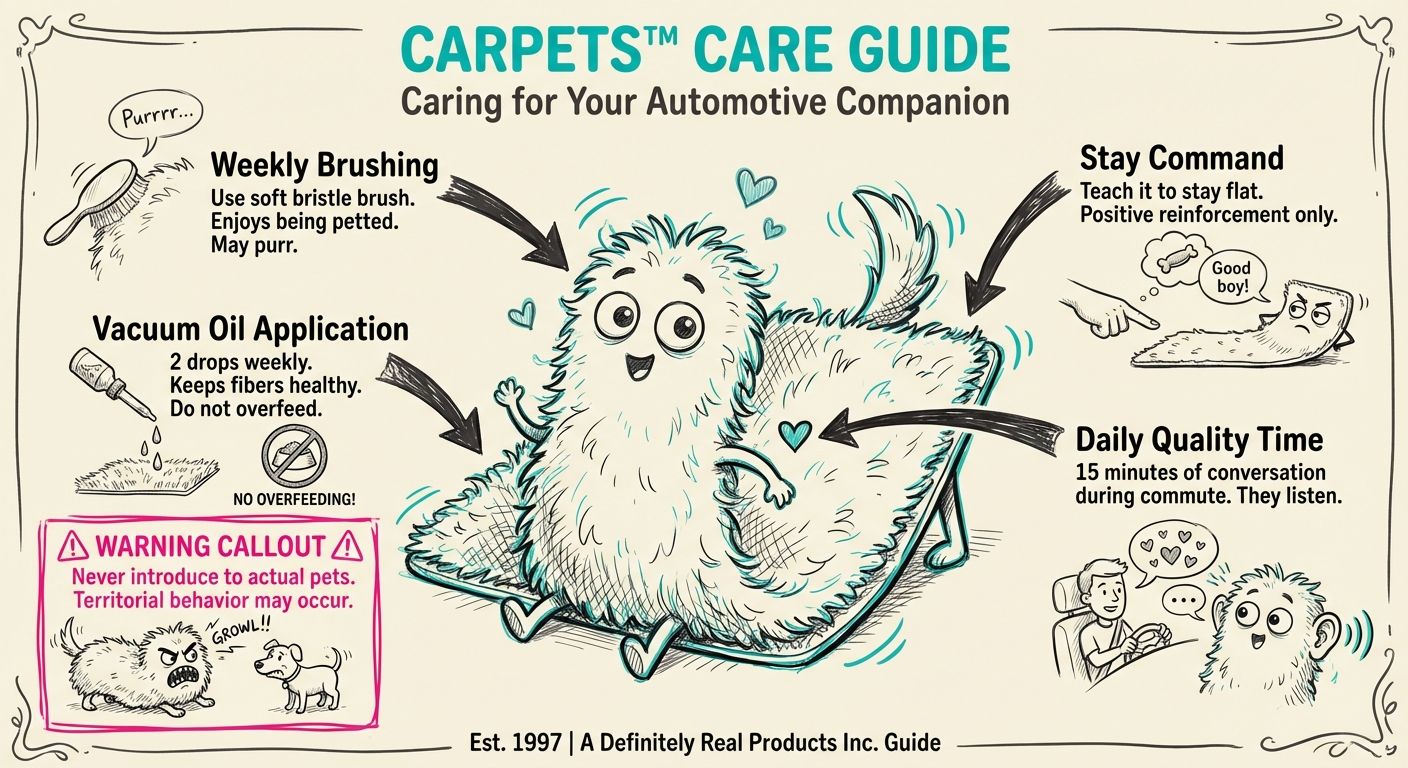 Care guide using recipe-card workflow: step-by-step instructions with visual hierarchy
Example: Hay Eye Companions
- 3 illustrations: hero shot, comparison chart, tech specs diagram
- All use corporate tech aesthetic (minimalist grids, clean typography)
- Workflow selection:
comparisons.mdfor feature matrix,technical-diagrams.mdfor specs
What got written down
- nano-banana-guide.md (11.4KB) — Prompting guide with formula, vocabulary, and aspect ratio rules
- DERP-PRODUCT-STANDARD.md (360 lines) — Product page blueprint
- Content-Type Override Rules in SKILL.md — Aesthetic routing logic
- 16 specialized workflow templates — Each with optimized prompt structures
This works for anything built on tribal knowledge
I keep running into the same situation: a system that works when I’m operating it but would fail without me.
Start with what already works. The 16 workflows existed because they solved real problems — I just hadn’t written any of that down. Documenting them didn’t require inventing anything; it required looking at what successful runs had in common.
Then read the model documentation properly. Not skimming for the API reference — actually reading the guide for how to use the features. Nano Banana Pro had iterative refinement and style transfer built in. I’d been ignoring both because they weren’t in the quick-start examples.
The output is two things: a formula (specific enough to produce predictable results) and a decision aid (so you’re not reinventing the choice every time). For prompting, that meant the core action verb vocabulary and the aspect ratio guide. For product work, it meant the workflow selection table.
Then a checklist. Not because I’m a checklist person, but because the CSS layout bug hit seven products before I wrote it down. The pre-launch checklist prevents the same mistake running twice.
What actually surprised me
The thing that surprised me most was the gap between what the model could do and what the documentation said it could do. The Mammoth Club guide described iterative refinement and style transfer as first-class features. I’d been ignoring both because the quick-start examples didn’t demonstrate them. Reading past page one would have saved weeks of trial-and-error prompting.
The other thing: 16 specialized workflows beat one general-purpose “make image” command by a wide margin. Not because specialization is some deep principle, but because each workflow encodes the right defaults for its problem. Technical diagrams need grid layouts. Comics need panel flow. Stats need typography that makes numbers the focal point. A general prompt doesn’t know which of those to prioritize.
The content-type override system was the least obvious piece, and probably the most important for DeRP specifically. The host site uses a claymorphic 3D style. DeRP products need infomercial aesthetics, VHS textures, corporate minimalism — intentionally mismatched to the satire target. Without explicit routing logic, the skill would default to claymorphic for everything. One rule in SKILL.md prevents that entire class of failure.
Where it goes from here
The art skill documentation will keep growing as I add more brand aesthetics. The aesthetic-definer agent can generate new aesthetic files (~/.claude/skills/art/aesthetics/[name].md) with documented color palettes, style parameters, and prompt integration phrases.
The DERP-PRODUCT-STANDARD.md serves as a template for other satirical product lines. If I create a new easter egg series, the blueprint is already there: define aesthetic, map workflows, create checklist.
The broader lesson is just this: if a skill in your system works when you’re running it but would fail without you, the knowledge isn’t actually in the system yet. It’s in your head, and heads are not reliable long-term storage.